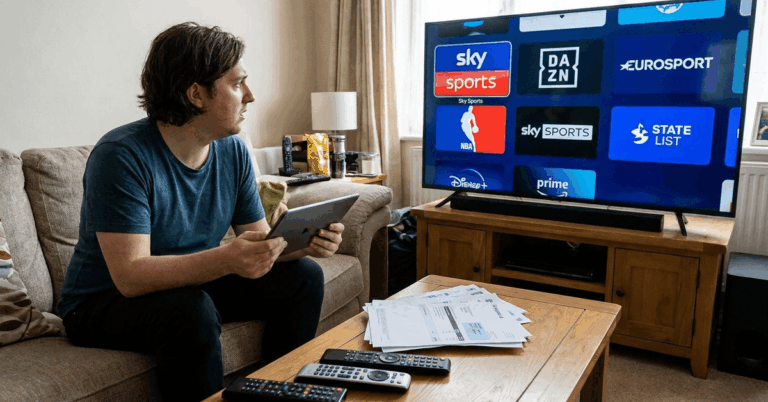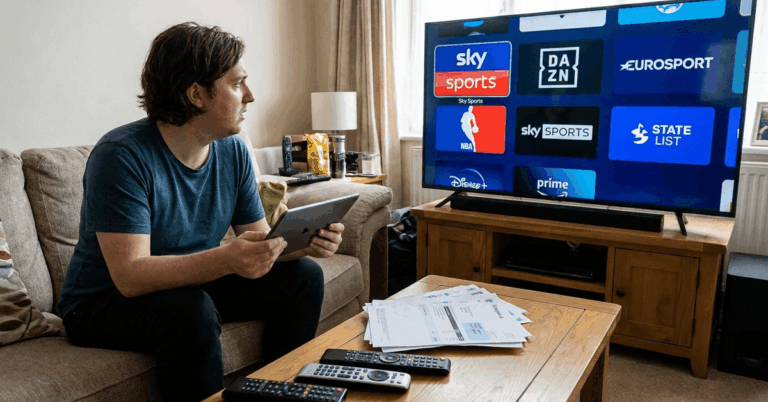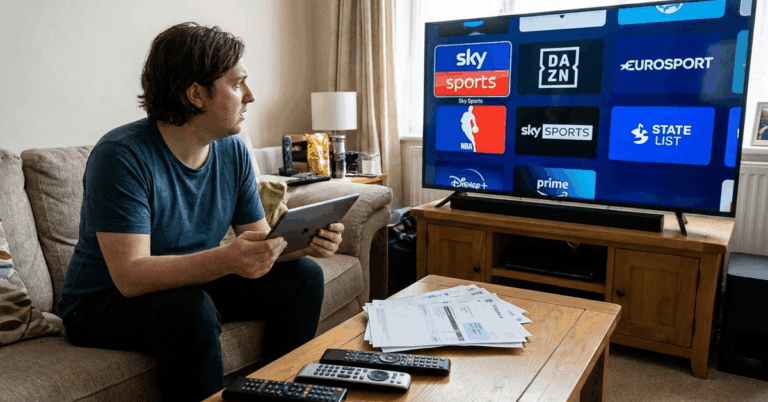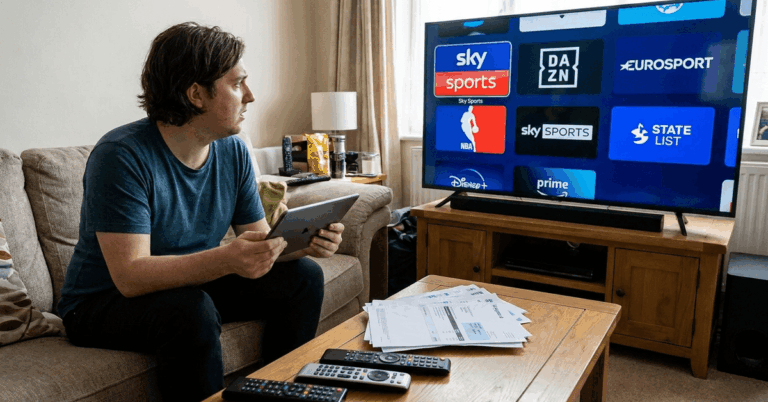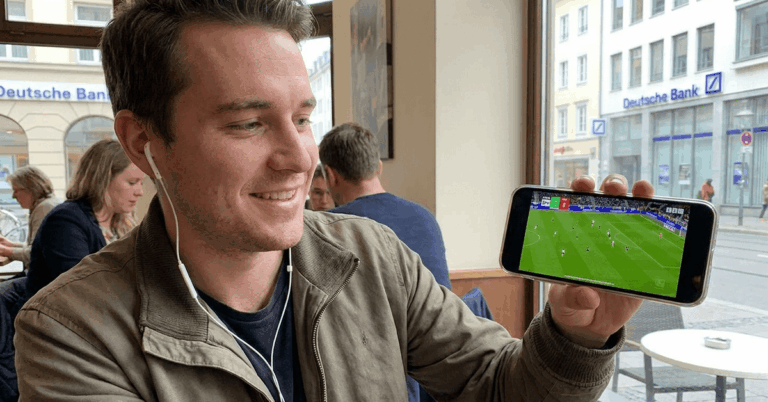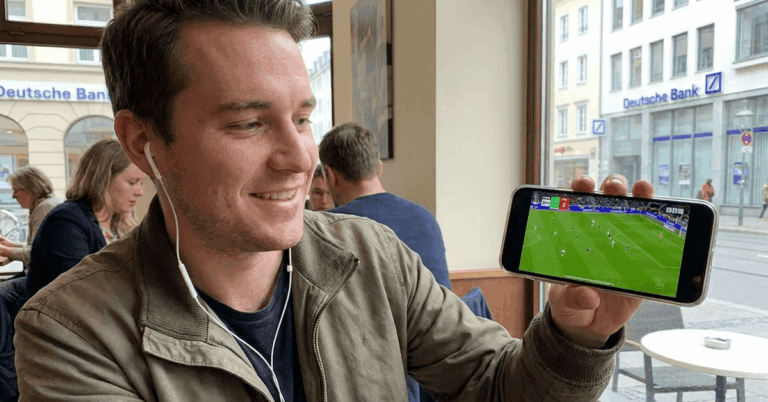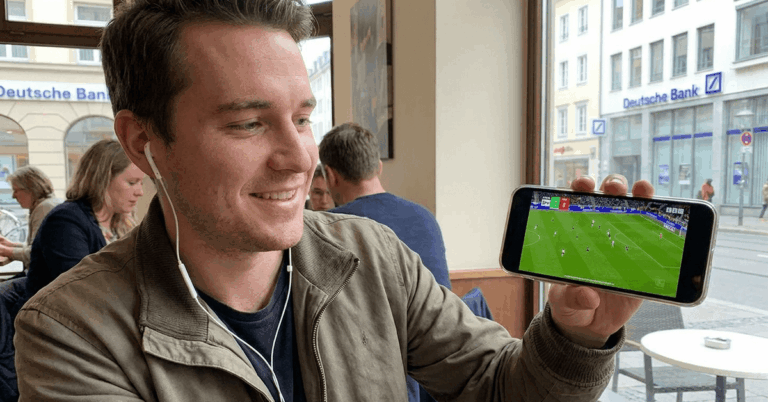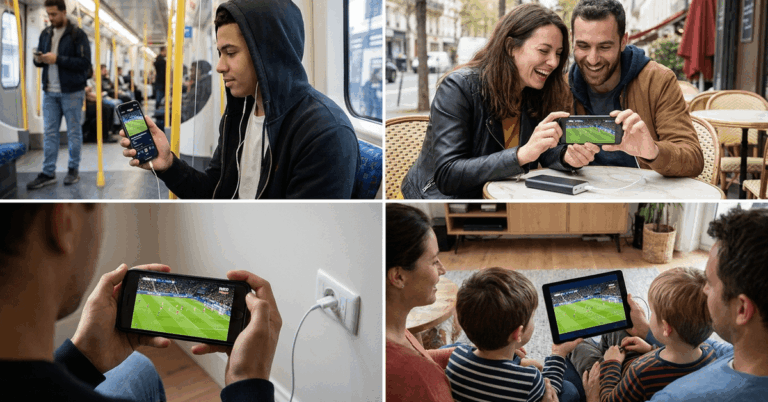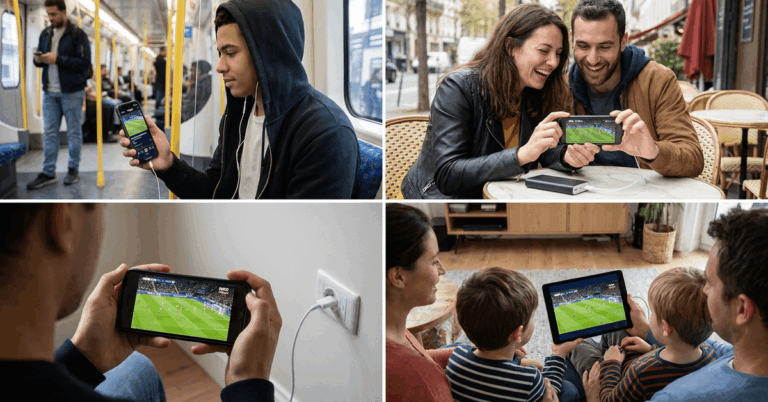
A 2026 World Cup match kicks off in 20 minutes. The TV is two rooms away. Or worse, you’re on a bus.
Your phone is right there. And somewhere on it, a free World Cup stream can be running legally within five taps. But the gap between “free” and “free without trashing your phone” is wider than people realize. Malware, data overages, and geo-blocks sit between fans and a clean stream.



This free World Cup streaming guide breaks down what works on mobile, what drains your wallet through the back door, and what to skip entirely.
Where to Find Free World Cup Streams on Your Phone
The word “free” online usually comes with a catch. Football streaming is different because public broadcasters in many countries are contractually required to air World Cup matches at no cost.
This creates a rare situation where legal, high-quality, zero-cost streams already exist. The trick is knowing which ones apply to your country.
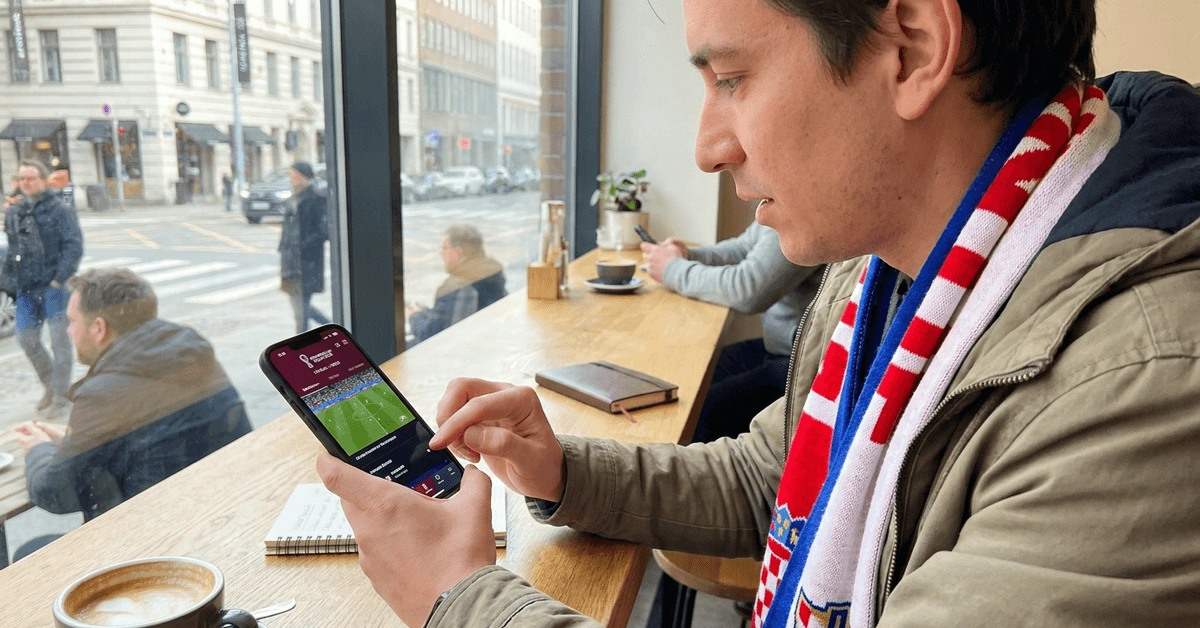
Public Broadcasters That Stream World Cup Matches for Free
Several countries fund broadcasters through taxes or advertising, and those broadcasters carry World Cup rights. Their apps are available on both the App Store and Google Play.
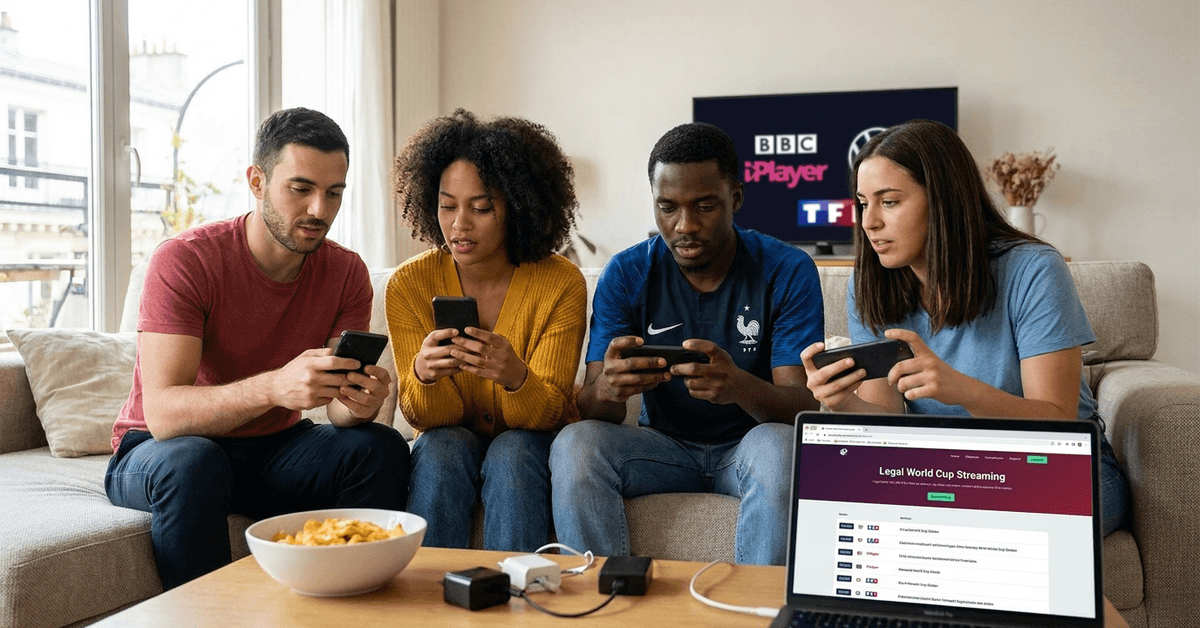
A few that have carried World Cup matches in past tournaments and are expected to do so for 2026:
- BBC iPlayer (UK): Streams matches with full commentary and on-demand replays after the game
- ARD/ZDF Mediathek (Germany): Live broadcasts, typically in HD, through a clean and fast app
- TF1 (France): Free-to-air coverage that requires a quick registration
- RTP Play (Portugal): Reliable live streams through their dedicated app
Each broadcaster has different requirements. Some need a free account. Others let you tap and watch immediately. But all of them share one limitation: geo-restrictions.
The stream works only if your phone connects from within that country. Travelers and expats hit this wall constantly.
I would skip the common advice to “just use a VPN” to get around geo-restrictions on World Cup streams.
The BBC iPlayer app, for example, actively blocks VPN traffic, and during peak match times, VPN servers get so overloaded that your stream buffers right when something matters.
The latency also means goals show up on social media 30 to 60 seconds before they appear on your screen. A better move is to check what broadcasters already offer free coverage in your specific country.
Free Trials Worth Timing Around the Tournament
Streaming services treat the World Cup like a customer acquisition event. Some platforms in Europe and the US offer free trial periods, usually seven days.
The smart play is to time your free trial so it lines up with the knockout rounds, not the group stage.
Group stage matches run over roughly two weeks. Knockout rounds move faster and carry higher stakes. A seven-day trial activated at the start of the round of 16 can cover the matches people care about the most, without paying anything.
Just set a calendar reminder for the cancellation date. Charges kick in automatically if the trial expires without cancellation, and refund policies vary by platform.
| Platform Type | Cost | Match Coverage | Geo-Restricted | HD Quality |
|---|---|---|---|---|
| Public broadcasters (BBC, ARD, TF1) | Free | Selected matches | Yes, by country | Usually yes |
| Streaming service free trials | Free for trial period | Full coverage | Varies | Yes |
| Unofficial/pirated streams | Free | Unpredictable | No | Rarely |
Public broadcasters and well-timed free trials cover the same games that paid subscriptions do, just with a narrower window.
The Hidden Cost Nobody Calculates: Mobile Data
Every guide says “stream the World Cup free on your phone” like the only cost is money. That ignores the second bill: mobile data consumption.
How Much Data Does a Single World Cup Match Use
A 90-minute football match streamed in standard definition eats roughly 1.5 to 2 GB of data. Bump that to HD and the number jumps to 3 to 5 GB per match. Extra time and penalties push it higher.
The 2026 World Cup has 104 matches (expanded format with 48 teams). Even watching a third of those on mobile data at SD quality means roughly 50 to 70 GB over the course of the tournament.
I think the data cost is the part most “free streaming” guides completely ignore, especially since the 2026 World Cup has 40 more matches than the 2022 edition.
If your mobile plan caps at 20 GB per month and the tournament spans June to July, the math breaks before halftime of the second week.
The fix is simple. Stream on Wi-Fi whenever possible. If Wi-Fi is unavailable, drop the video quality to the lowest setting the app allows. A slightly blurry goal still counts.
Some mobile carriers run promotional data packages during major sports events. Check your carrier’s website or app a few weeks before the tournament starts. These promotions often go unannounced and expire fast.
Why Unofficial Streams Are Worse Than Missing the Match
The temptation peaks during a big match. The legal stream is geo-blocked, the free trial expired yesterday, and someone posts a link in a group chat. That link leads somewhere. But where?
Security Risks on Unofficial Streaming Sites
Unofficial streams are built on ad revenue, and the ads are not selling shoes. Clicking through pop-ups on these sites can trigger malware downloads, phishing attempts, and tracking scripts.
A phone might not show symptoms right away. It just runs a little slower, battery drains faster, or strange notifications appear days later.
Security software on a phone helps, but mobile antivirus apps catch a fraction of what desktop versions do. The safest approach is to never open the link in the first place.
The Legal Side of Pirated World Cup Streams
Watching an illegal stream feels victimless, and for the viewer, legal consequences are rare. But sharing those links crosses a different line.
Rights holders have pursued legal action against distributors in the EU, UK, and US. Sharing a stream link in a WhatsApp group or on social media can technically qualify as distribution, depending on the jurisdiction.
The risk is low for casual viewers. But for anyone running a fan page, a blog, or a social media account with reach, the exposure is real.
Apps That Give Free World Cup Coverage Without the Shady Links
Between the broadcaster apps and the illegal streams, a middle layer exists: football-specific apps that carry highlights, live scores, and sometimes partial live coverage.
These apps are worth having on your phone during the tournament:
- FIFA+ app: The official FIFA app streams select matches for free worldwide, plus full match replays after games end
- FotMob: Live scores, detailed stats, and goal alerts pushed to your phone within seconds
- LiveScore: Real-time match tracking with lineups, commentary, and results
- Live Soccer TV is an aggregator that tells you exactly which broadcaster carries each match in your country, so you stop guessing
None of these replace a full live broadcast of every match.
But FIFA+ has been expanding its free live coverage since 2022, and for the 2026 tournament (hosted across the US, Mexico, and Canada), the app may carry more free games than any single national broadcaster.
How to Set Up Free World Cup Streaming on Your Phone
The setup takes five minutes if you know what to do. Rushing during kickoff is where mistakes happen.
A simple sequence that covers the common steps:
- Step 1: Search for which official broadcaster has World Cup rights in your country (Google your country name plus “World Cup 2026 broadcast rights”)
- Step 2: Download that broadcaster’s app from the App Store or Google Play
- Step 3: Create a free account if the app asks for one. Use a secondary email if you want to avoid marketing emails
- Step 4: Turn on push notifications for match alerts so you don’t miss kickoff
- Step 5: Test the stream a day before the first match you want to watch, because app crashes spike on opening day
One detail people miss: some broadcasters split rights by match. One channel might carry Group A games while a second broadcaster holds Group B.
Check the schedule match by match, not just “who has the World Cup.” A single broadcaster rarely carries every game.
Questions People Ask About Free World Cup Streaming on Phone
Q: Can I watch every 2026 World Cup match free on my phone? Coverage depends entirely on your country’s broadcast deals. Public broadcasters typically carry a selection of matches, not all 104. Combining a broadcaster app with the FIFA+ app gives you the widest free coverage.
Q: Is it safe to use free World Cup streaming apps? Apps downloaded from the official App Store or Google Play are vetted for basic security. The risk comes from third-party APK files or browser-based streams on unfamiliar websites. Stick to apps with verified publishers and a large number of reviews.
Q: How do I reduce data usage while streaming World Cup matches on my phone? Lower the video resolution inside the streaming app’s settings. SD quality uses roughly half the data of HD. Downloading match replays on Wi-Fi for later viewing is another option on apps like FIFA+ and BBC iPlayer.
Q: Will the FIFA+ app stream 2026 World Cup matches for free? FIFA+ streamed select matches during the 2022 World Cup at no charge. Coverage for 2026 has not been fully confirmed, but the app has increased its free live content each year since launch. Check the app closer to the tournament for updated match schedules.
Q: Do I need a VPN to watch World Cup streams on my phone? A VPN can technically bypass geo-restrictions, but major broadcaster apps like BBC iPlayer actively detect and block VPN connections. Latency and buffering during peak match traffic also make VPN streams unreliable. Finding a legal free source in your own country is a more stable option.
Conclusion
The 2026 World Cup runs across the US, Mexico, and Canada with 48 teams and 104 matches. Free streaming options on your phone exist through public broadcasters, timed free trials, and the FIFA+ app.
The biggest trap is not the cost of a subscription but the hidden data bill from streaming on mobile networks. Test your setup early, check your data plan, and keep a charger close for extra time.